

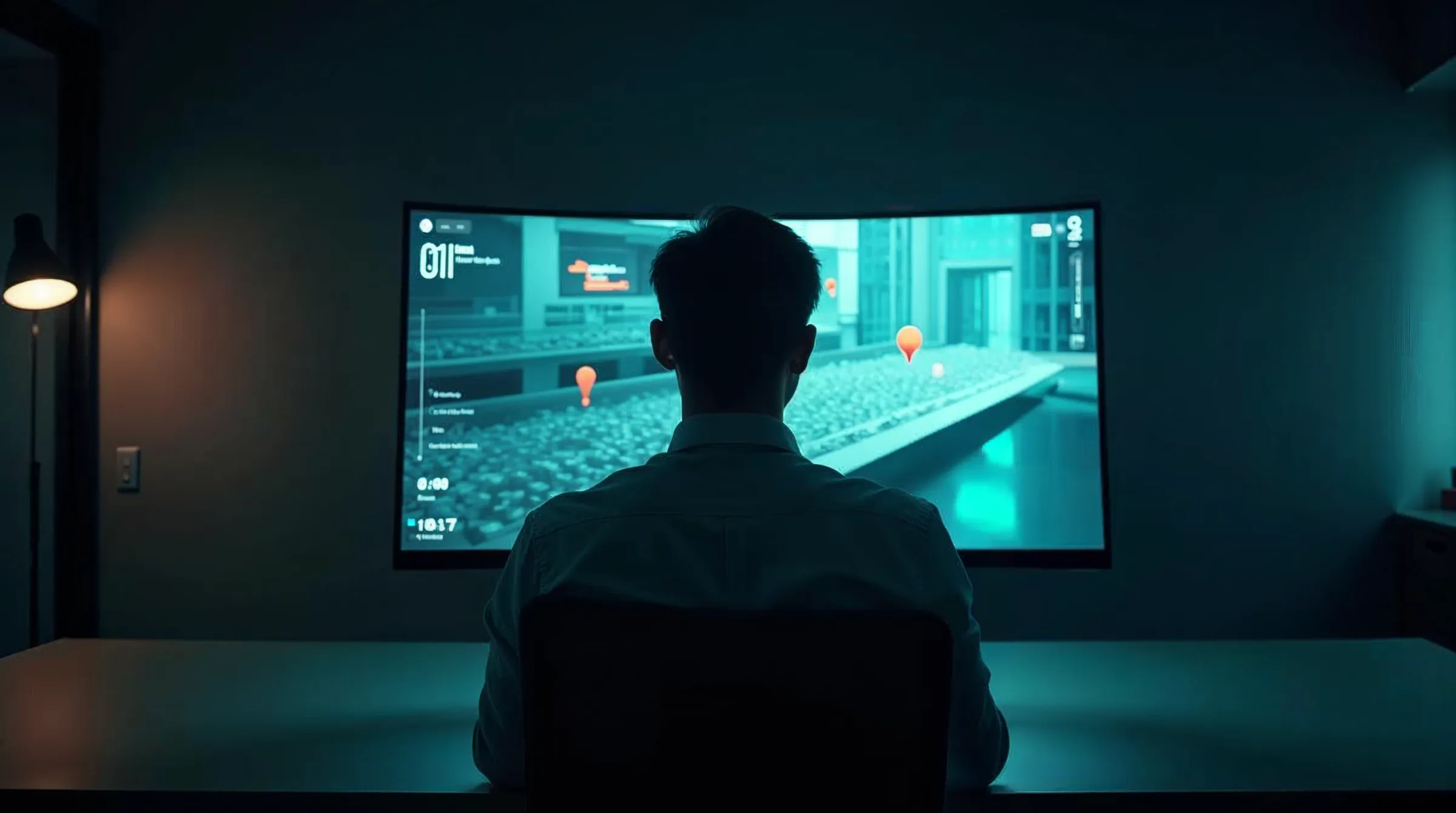
Your building as a walkable 3D model.
Walk through once with a smartphone. Structify turns it into a photorealistic 3D model you can explore in the browser and pin findings in, right where they are.

Capture. Walk. Pin.
From a video tour to a walkable model.
Capture
Walk calmly through the building once with your smartphone and upload the video to the project.
Process
Structify automatically reconstructs a photorealistic 3D model from it; you follow the progress in the project.
Walk & pin
Move through the model with keyboard and mouse, look all the way to ceiling and floor, and place findings directly in the scene.
The 3D walkthrough in action.
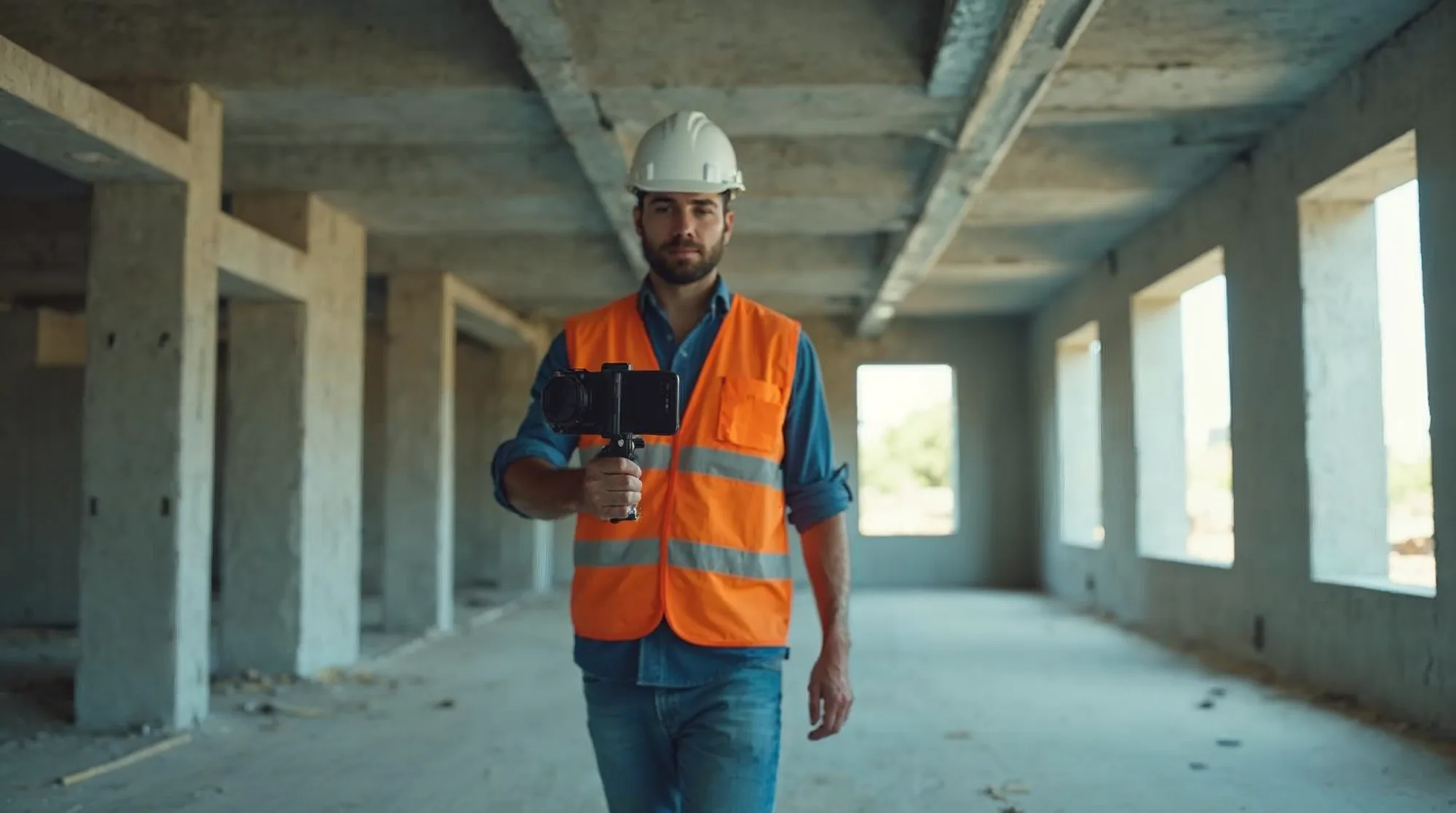
Capture with a smartphone
A calm walk through the building is all it takes, no scanner, no special equipment.
Walk it in the browser
The model runs directly in the Structify Desktop browser app, no extra software.
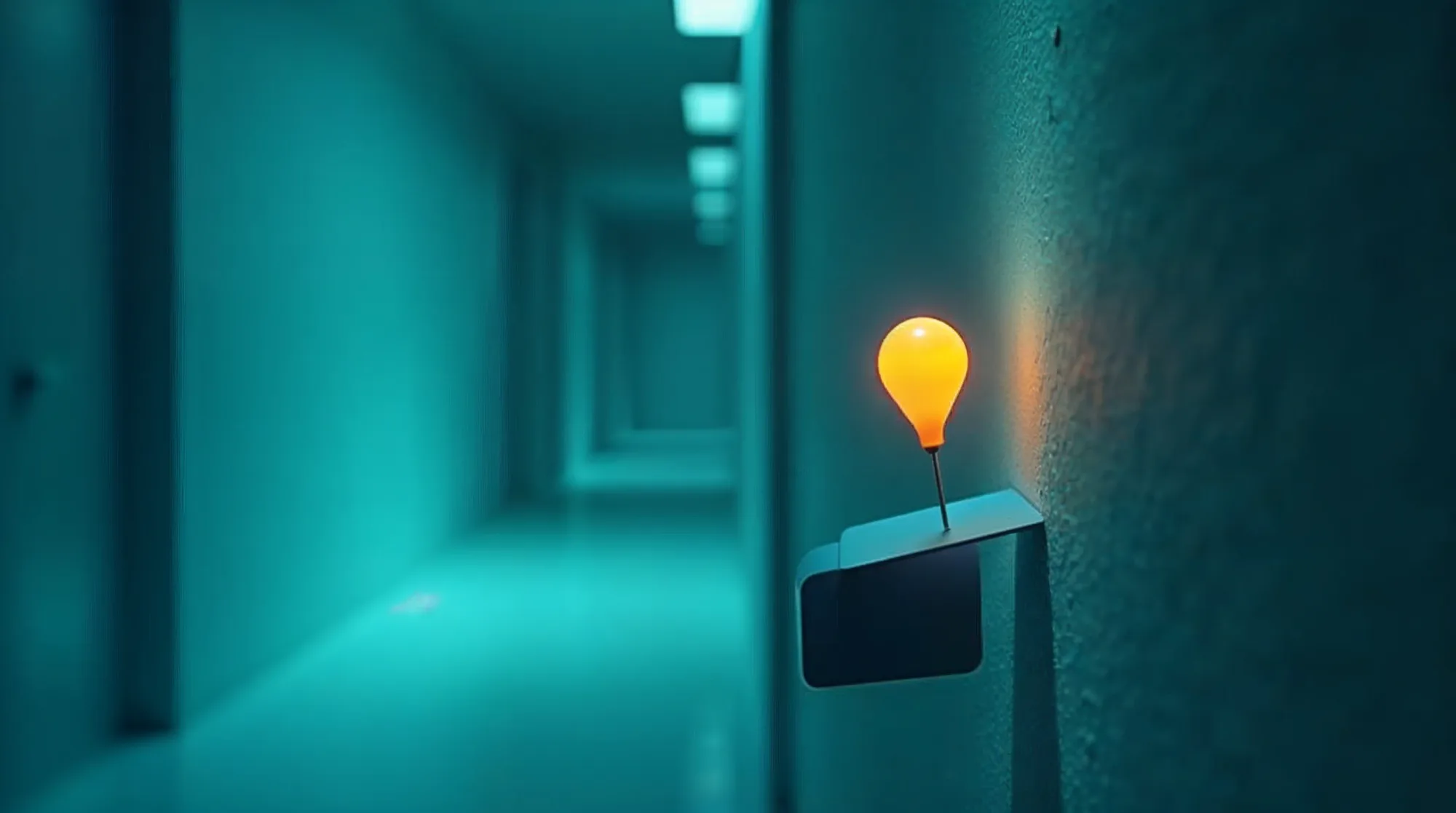
Pin findings in the model
Place defects and tasks right where they are, in the same project as inspections, defects and reports.
An add-on for Structify Desktop.
The 3D walkthrough is being developed as an add-on for Structify Desktop and is currently being tested with first users. Secure early access.
- Activated per organisation
- Processing with a quota
- Anonymisation in the model
In development
First users are already working with it. We will share pricing and availability with you personally.
Common questions about the 3D walkthrough.
What do I need for the capture?
Where do I view the model?
Can I place defects in the 3D model?
Is the 3D walkthrough available?
See your building as a 3D model.
We will show you the 3D walkthrough on a real project, calm and honest, with no sales pressure.